Emerald. Online banking website design
Details
- Client
- Emerald
- Category
- Web Design
- Created
- 2021
Emerald offers online banking and payment services: a UK multi-currency IBAN account, SEPA, TARGET2 and SWIFT payments, and acquiring. We designed its website for desktop and mobile, with two product lines on the first screen and a fee table for each service.
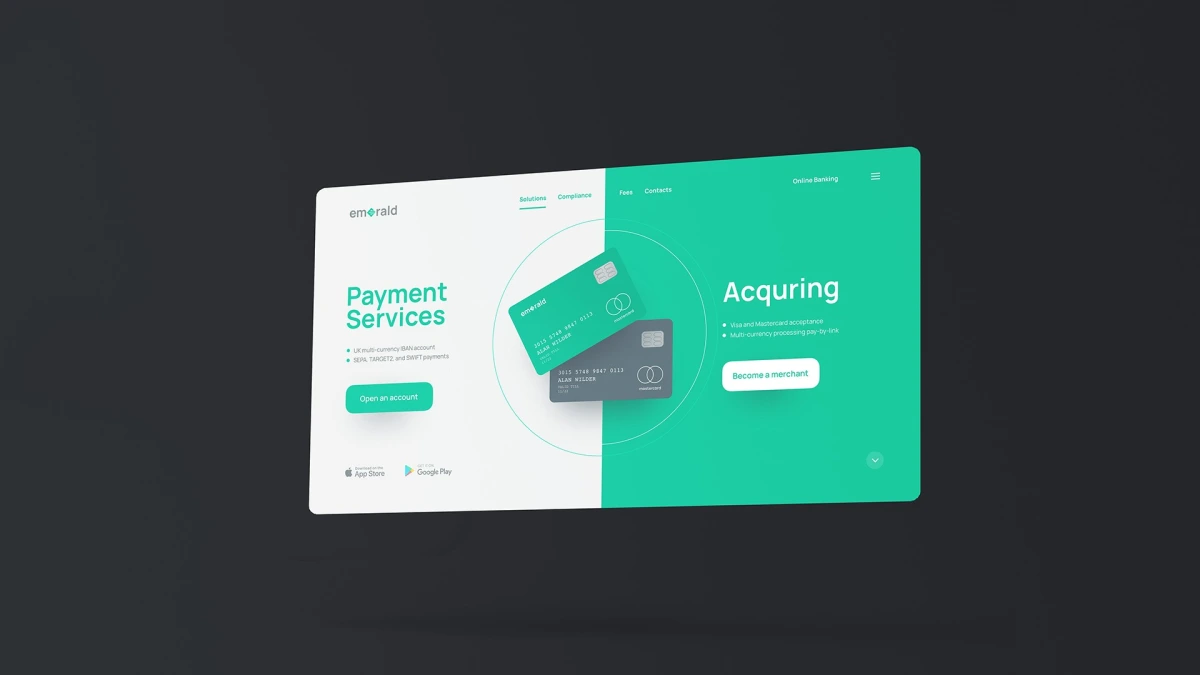
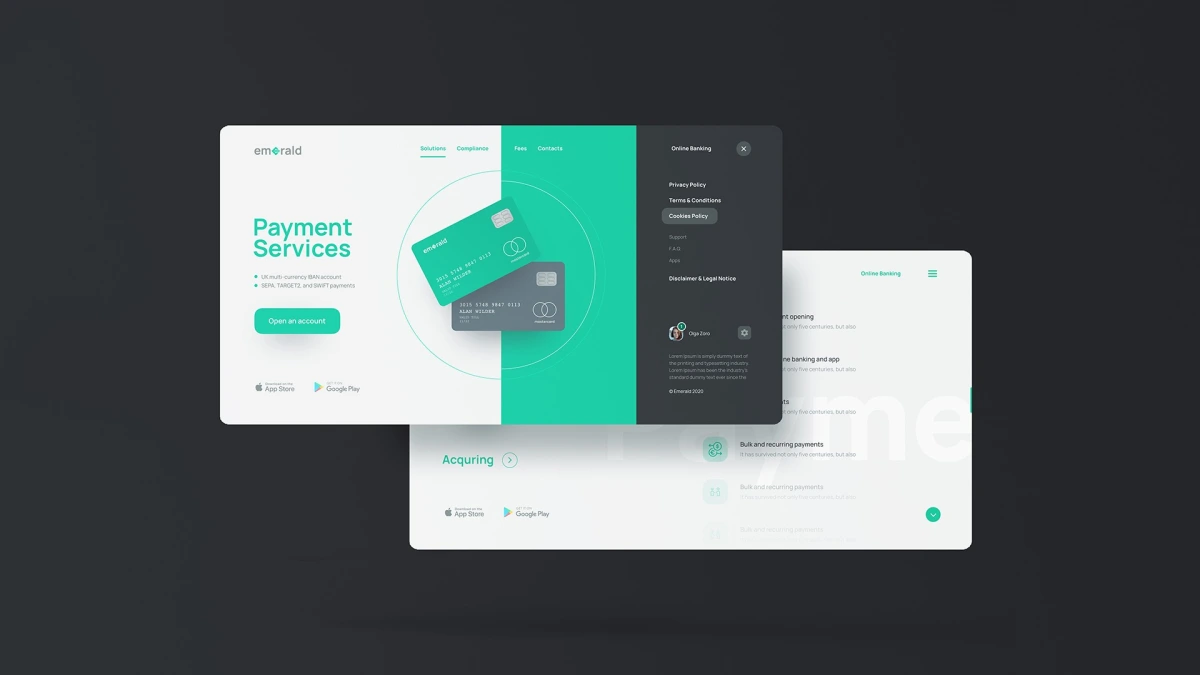
The first screen is split in two. Payment Services sits on the white half, with the lines “UK multi-currency IBAN account” and “SEPA, TARGET2 and SWIFT payments” and an “Open an account” button. Acquiring sits on the emerald green half, with Visa and Mastercard acceptance and a “Become a merchant” button. Two cards float over the dividing line inside a thin circle, so both directions of the bank are visible at once.
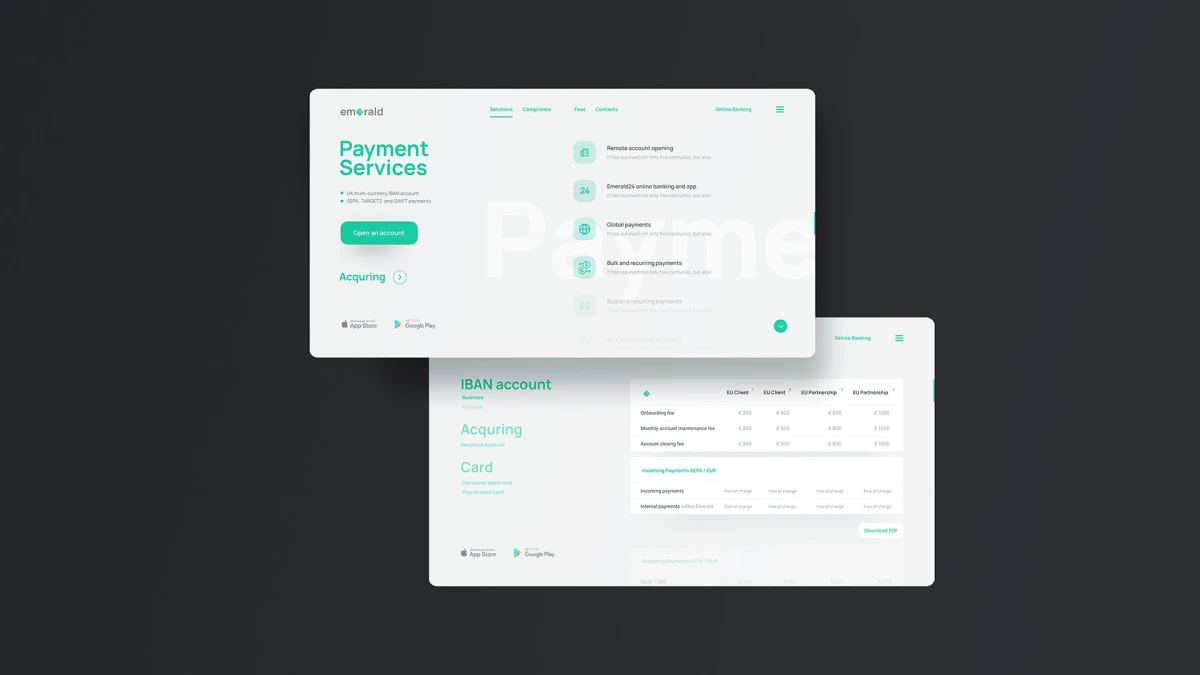
Below the first screen, services are listed with line icons on soft green tiles: remote account opening, the Emerald24 online banking and app, global payments, and bulk and recurring payments.
The palette is emerald green, white and graphite grey. Headlines are set in a clean sans-serif in green. In the “emerald” wordmark a faceted gem replaces the second “e”, and the same gem sits beside the header on the mobile layout.
01 — 03
Every page keeps the same header: the logo on the left, four links in the middle (Solutions, Compliance, Fees and Contacts) and Online Banking on the right. A menu panel opens on graphite with the policy pages and support links, and App Store and Google Play buttons sit in the corner of the first screen.
Payments and acquiring side by side
The pricing page lists IBAN account, Acquiring and Card in a column on the left and shows each fee table on the right. The IBAN account table has rows for the onboarding fee, the monthly account maintenance fee and the account closing fee, in columns for EU Client and EU Partnership, with a “Download PDF” button below it. A second table lists incoming payments in the same layout.
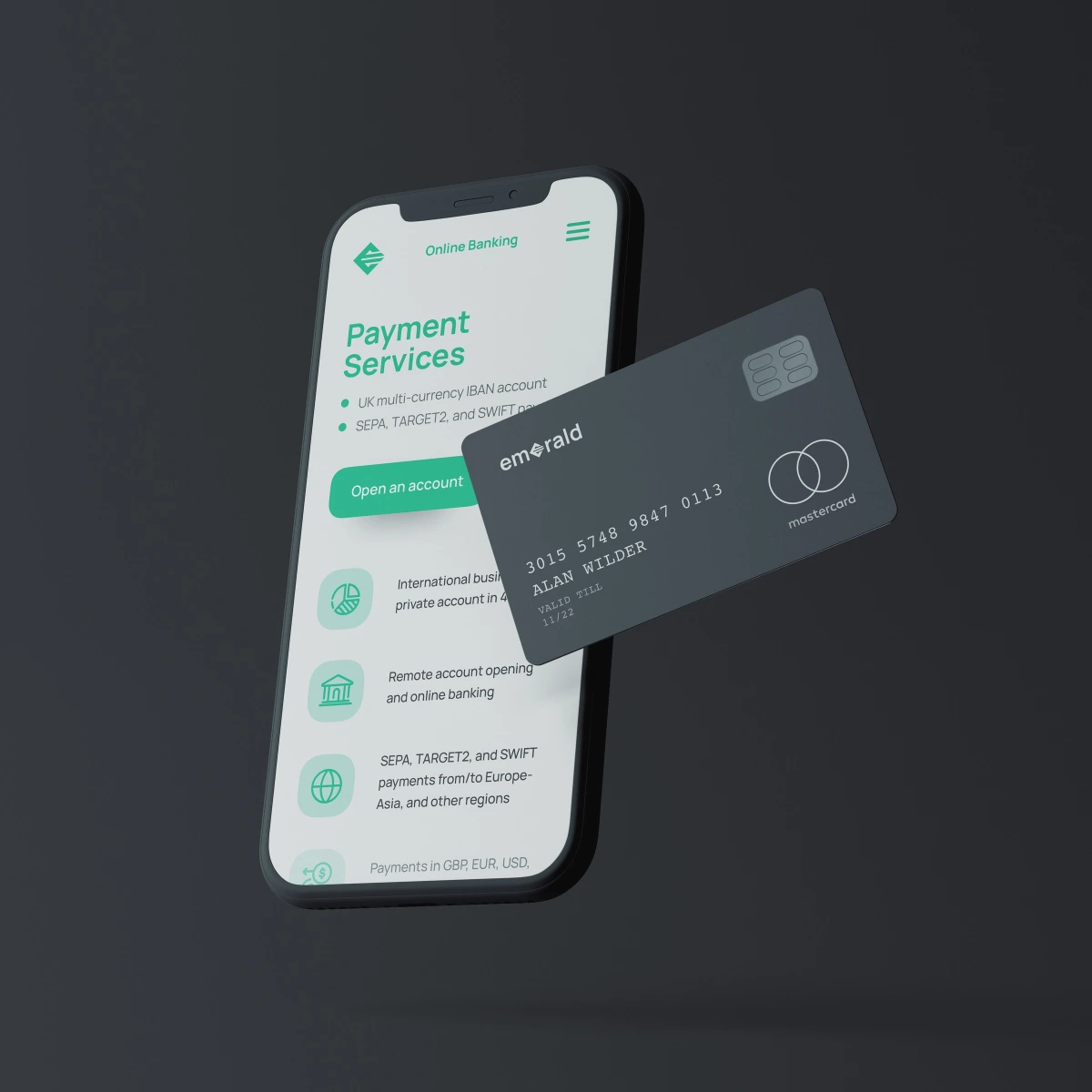
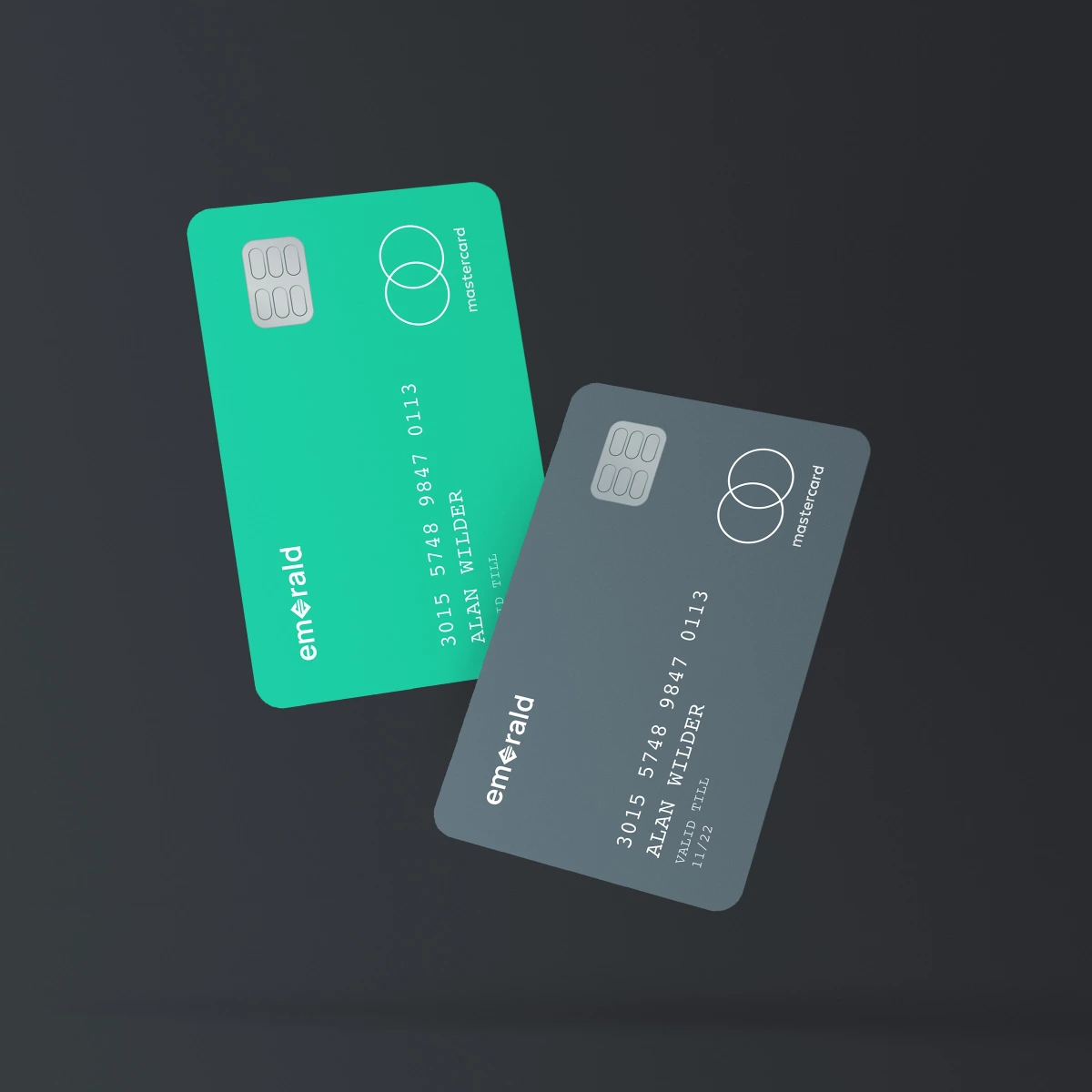
The same emerald green and graphite carry over from the website to the mobile layout, where Payment Services, the bullet list and the “Open an account” button stack in one column, and to the Emerald payment cards shown alongside it, one green and one grey.